Wi-Fi / Bluetooth Not Connecting
Wireless faults are often blamed on the router, but the laptop itself is often the failing link. Driver stack, wireless card health, or antenna continuity can all be the real cause.
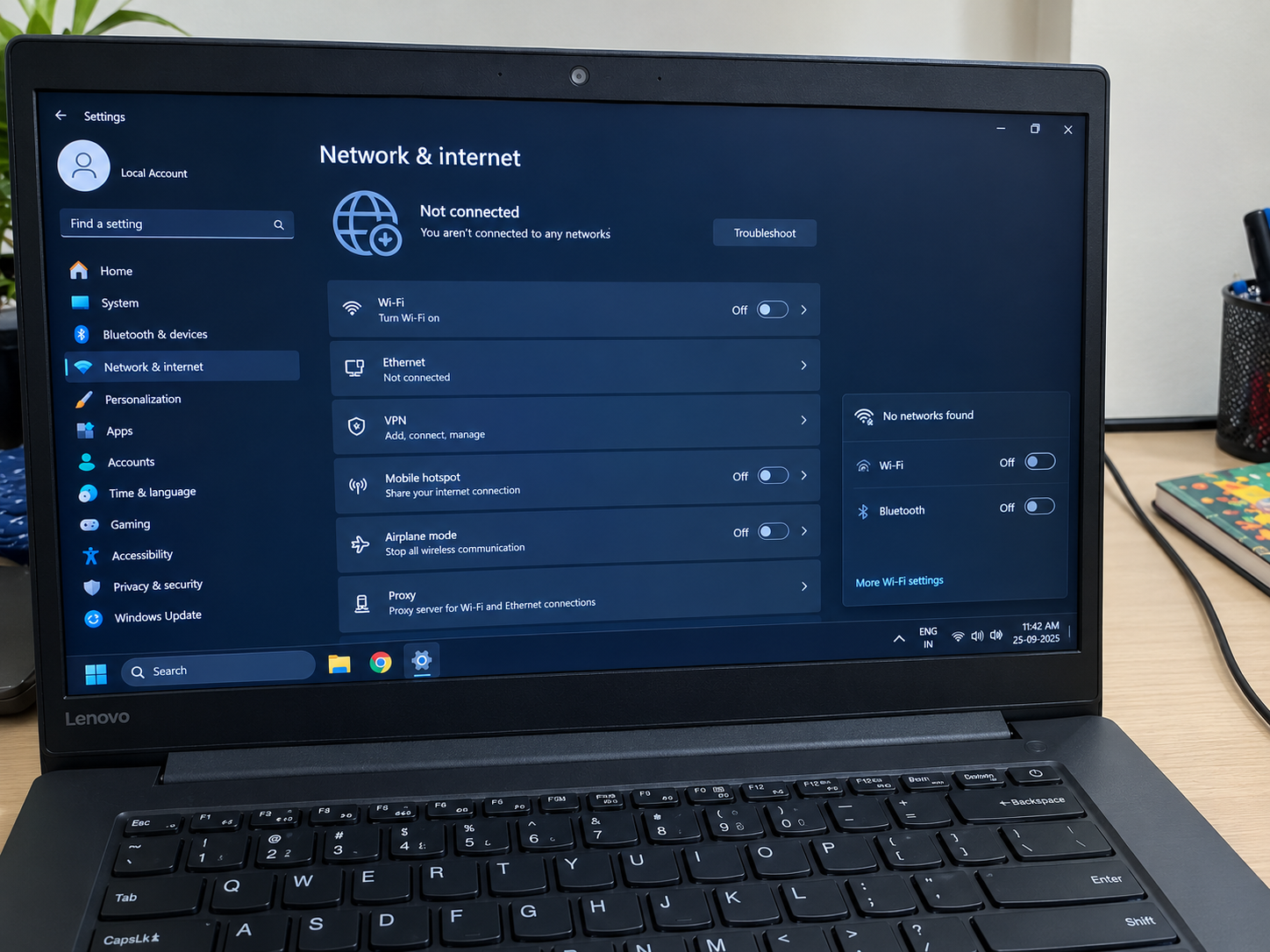
Quick diagnostic takeaway. The wireless adapter is a physical card plus a software driver stack. If the vendor driver is outdated or the OS stack is corrupted, the laptop may fail to detect networks or disconnect repeatedly. In other cases, the M.2 card itself is dying, or the hinge-mounted antenna cable has been damaged from opening and closing the lid. Bluetooth symptoms often show up with the same root cause because the same adapter handles both radio paths. The visible symptom is a clue, not the component verdict.
01How It Happens
The wireless adapter is a physical card plus a software driver stack. If the vendor driver is outdated or the OS stack is corrupted, the laptop may fail to detect networks or disconnect repeatedly. In other cases, the M.2 card itself is dying, or the hinge-mounted antenna cable has been damaged from opening and closing the lid. Bluetooth symptoms often show up with the same root cause because the same adapter handles both radio paths.
WarningDo not keep testing a machine that is already shutting down. Repeated thermal or power events can turn a recoverable fault into board damage.
02Symptoms to Watch For
Network list is empty or Wi-Fi keeps dropping at random. Device Manager shows the adapter missing or disabled. Bluetooth audio cuts out or reconnects repeatedly. The laptop can connect to one network but not stay connected for more than a few minutes.
- Network list is empty or Wi-Fi keeps dropping at random
- Device Manager shows the adapter missing or disabled
- Bluetooth audio cuts out or reconnects repeatedly
- The laptop can connect to one network but not stay connected for more than a few minutes
03Resolution: The Fix
Prove software versus the radio
Missing adapter in Device Manager can be a driver/stack fault or a dead M.2 card. We load the OEM package before buying a USB dongle.
Reinstall the vendor Wi-Fi / Bluetooth stack
Correct chipset package from the model, not a booster tool. Bluetooth often shares the same module, so both radios are checked together.
Replace the card or antenna if hardware is dead
A dying module or a hinge-torn antenna cable will drop networks no matter how many times Windows is reset. Continuity and card swap restore the radio path.
Bench tipA proper diagnosis follows the signal path before replacing a part. That is how we avoid charger roulette and unnecessary motherboard swaps.
04How to Stop It Happening Again
Update wireless drivers from the vendor source, not random driver packs. Avoid programs that promise to “optimize” network settings, because they often rewrite the adapter stack. If the laptop has a hinge or lid issue, inspect the antenna cable sooner rather than later.
Diagnostic noteKeep the symptom history, model number, and any recent event ready. Those three details shorten bench time considerably.
Was this guide helpful?
Continue the investigation