Slow Performance & Freezing
A slow laptop is rarely a CPU problem first. In most real cases, the bottleneck is storage, bad startup load, malware, or memory pressure that makes the system stall under everyday use.
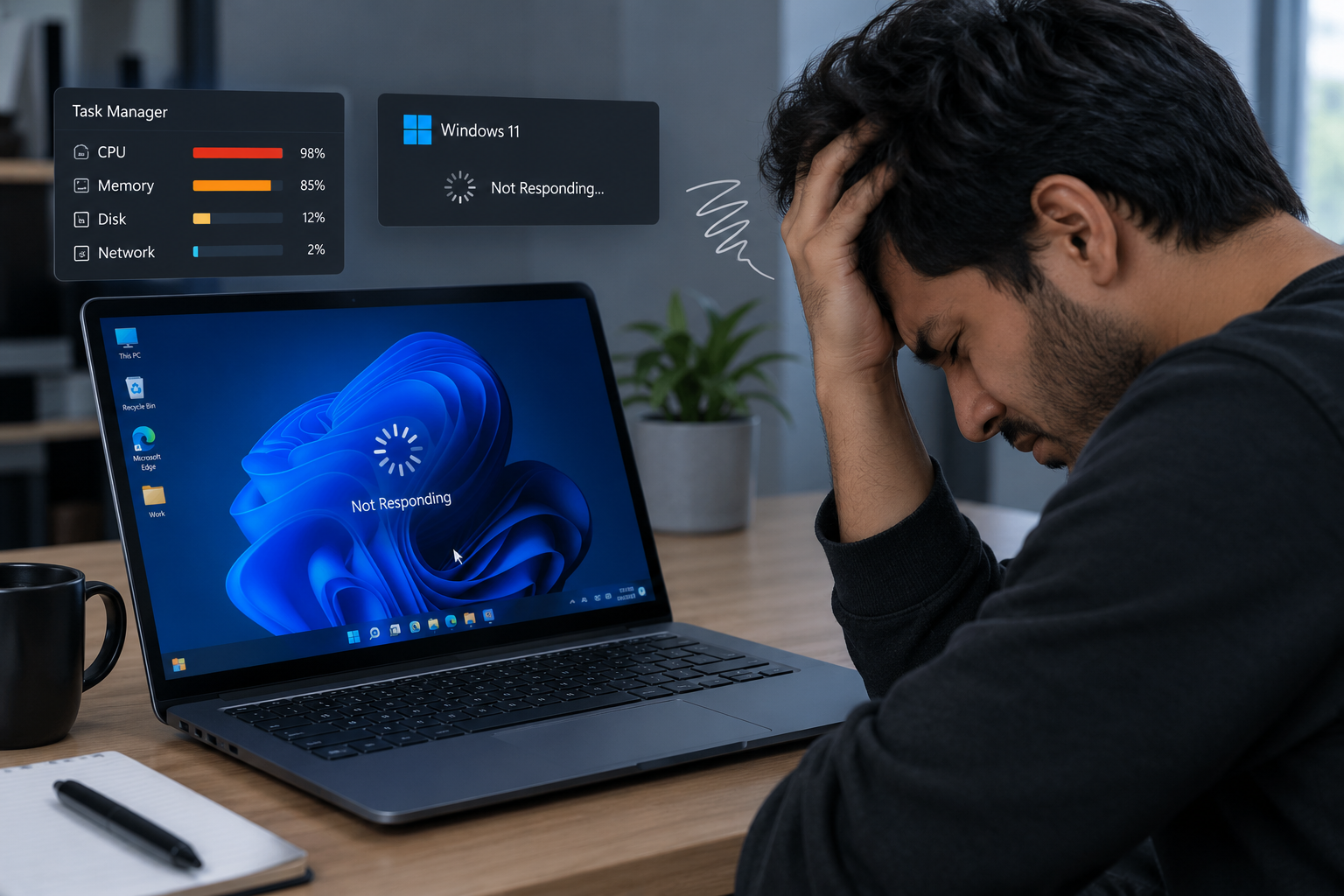
Quick diagnostic takeaway. If the drive is almost full, the OS starts spending more time writing metadata and swapping temp data than doing useful work. Add startup programs, antivirus scans, and browser extensions, and the machine can spend most of its job time waiting on disk or memory rather than computing. Aging hard drives are particularly bad because they are mechanical, heat-prone, and slow under load. The result is that even a capable CPU appears weak. The visible symptom is a clue, not the component verdict.
01How It Happens
If the drive is almost full, the OS starts spending more time writing metadata and swapping temp data than doing useful work. Add startup programs, antivirus scans, and browser extensions, and the machine can spend most of its job time waiting on disk or memory rather than computing. Aging hard drives are particularly bad because they are mechanical, heat-prone, and slow under load. The result is that even a capable CPU appears weak.
WarningDo not keep testing a machine that is already shutting down. Repeated thermal or power events can turn a recoverable fault into board damage.
02Symptoms to Watch For
Boot feels slow and the desktop appears late. Task Manager shows constant high disk usage. Apps hang or the cursor stalls for seconds at a time. The computer feels normal after a reboot, but slows down again by afternoon.
- Boot feels slow and the desktop appears late
- Task Manager shows constant high disk usage
- Apps hang or the cursor stalls for seconds at a time
- The computer feels normal after a reboot, but slows down again by afternoon
03Resolution: The Fix
Find the actual bottleneck
We check disk health, free space, RAM pressure, and startup load before recommending parts. A slow CPU is rarely the first cause.
SSD / RAM upgrade when storage or memory is the limit
A mechanical HDD or a packed NVMe makes Windows wait on disk. An SSD (and RAM if the machine is swapping) is the 10× speed-boost path when the hardware is the bottleneck.
Malware scan and startup cleanup
If the machine is already on SSD, we strip startup junk, scan for malware, and cut background load so the OS is not fighting itself.
Prove the gain
Boot time and Task Manager disk/memory after the job are compared to the intake snapshot so the fix is the bottleneck we found, not a guess.
Bench tipA proper diagnosis follows the signal path before replacing a part. That is how we avoid charger roulette and unnecessary motherboard swaps.
04How to Stop It Happening Again
Use periodic cleanup, keep at least 15–20% free space on the system drive, and avoid overloading startup apps. For older laptops, a drive replacement is often more cost-effective than trying to optimize a dying HDD for years.
Diagnostic noteKeep the symptom history, model number, and any recent event ready. Those three details shorten bench time considerably.
Was this guide helpful?
Continue the investigation