Cracked or Flickering Screen
Not every screen fault is the same. The issue may be the glass, the backlight, the panel, or the display cable itself, and each one needs a different repair path.
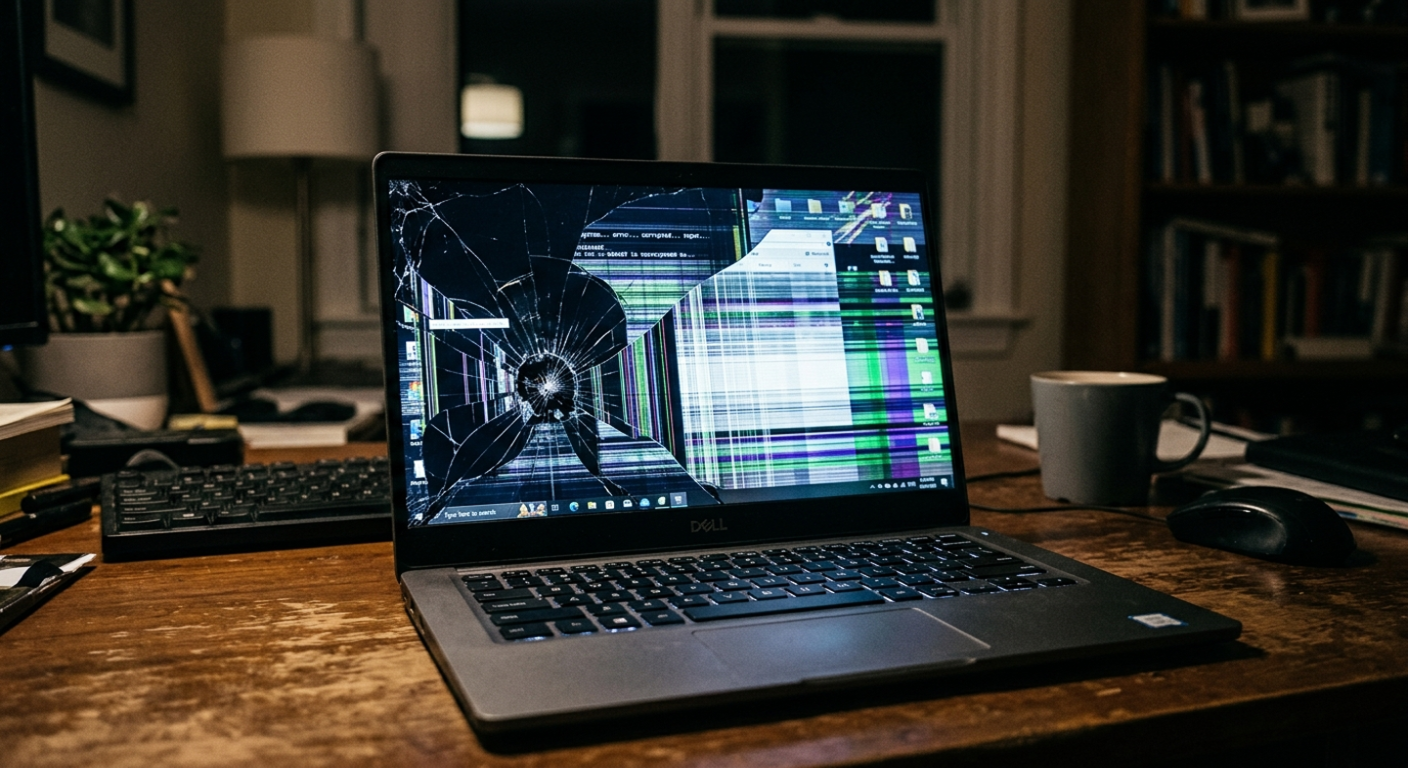
Quick diagnostic takeaway. A cracked panel is often obvious, but flicker and lines can come from a damaged LVDS/eDP cable, a failing inverter or backlight driver, or a worn panel. Mechanical pressure, hinge movement, or a drop can damage the display assembly even when the machine itself is fine. The cable can fail without visible breakage, so the symptom may look like a panel issue when the real culprit is a damaged signal path. The visible symptom is a clue, not the component verdict.
01How It Happens
A cracked panel is often obvious, but flicker and lines can come from a damaged LVDS/eDP cable, a failing inverter or backlight driver, or a worn panel. Mechanical pressure, hinge movement, or a drop can damage the display assembly even when the machine itself is fine. The cable can fail without visible breakage, so the symptom may look like a panel issue when the real culprit is a damaged signal path.
WarningDo not keep testing a machine that is already shutting down. Repeated thermal or power events can turn a recoverable fault into board damage.
02Symptoms to Watch For
Display shows random horizontal or vertical lines. Backlight flickers even though the laptop still boots. The panel goes dark or dim while the machine remains on. The lid shows cracks or pressure marks even when the image is mostly stable.
- Display shows random horizontal or vertical lines
- Backlight flickers even though the laptop still boots
- The panel goes dark or dim while the machine remains on
- The lid shows cracks or pressure marks even when the image is mostly stable
03Resolution: The Fix
Separate panel, cable, and lid damage
Lines and flicker can be the LCD, the eDP cable, or a pinched hinge run. We confirm which before ordering a lid.
OEM screen replacement when the panel is the fault
Cracked glass, black patches, or a dead backlight are a specified panel swap — same-day when the part is in stock — not a whole chassis unless the bezel is wrecked.
Repair the display cable if the panel tests good
Flicker that moves with lid angle is usually the cable or connector. Replacing only the panel would fail again on the first open/close.
Bench tipA proper diagnosis follows the signal path before replacing a part. That is how we avoid charger roulette and unnecessary motherboard swaps.
04How to Stop It Happening Again
Avoid closing the lid with pens, cables, or earbuds left on the keyboard. Carry the laptop in a padded sleeve, and do not lift it by the screen edge. Mechanical pressure is one of the most common causes of display cable and lid damage.
Diagnostic noteKeep the symptom history, model number, and any recent event ready. Those three details shorten bench time considerably.
Was this guide helpful?
Continue the investigation