Blue Screen of Death (BSOD) & Boot Loops
BSODs are a symptom, not a diagnosis. The real question is whether the fault is in the OS, the driver stack, or the storage device that the OS depends on.
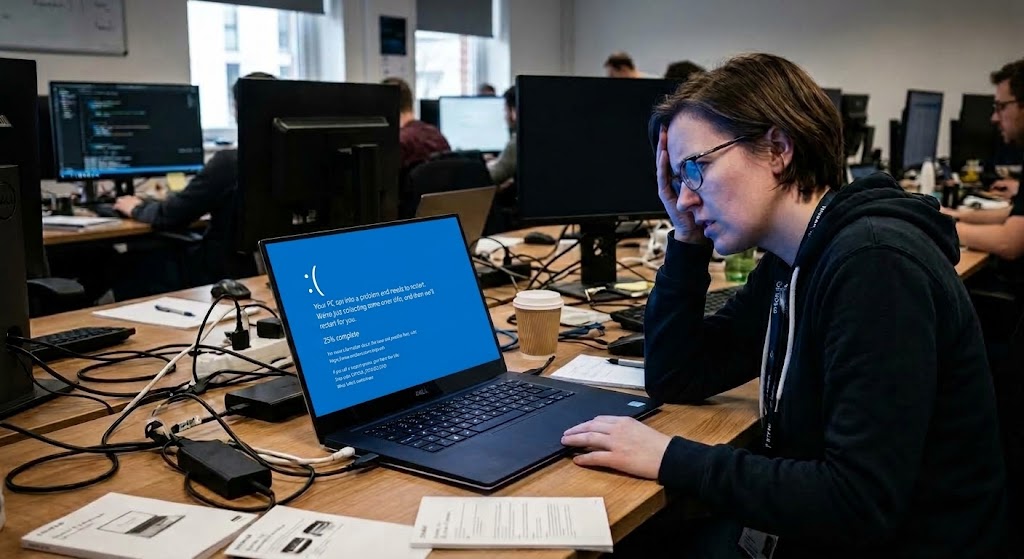
Quick diagnostic takeaway. The operating system can fail during boot if a driver is corrupt, the registry is damaged, or the storage drive is beginning to fail. If the last update or driver install changed the boot path, the system may loop into automatic repair or never reach the desktop. In many real cases, the problem is not an abstract software issue—it is a failing SSD or a damaged driver stack causing the kernel to crash repeatedly. The visible symptom is a clue, not the component verdict.
01How It Happens
The operating system can fail during boot if a driver is corrupt, the registry is damaged, or the storage drive is beginning to fail. If the last update or driver install changed the boot path, the system may loop into automatic repair or never reach the desktop. In many real cases, the problem is not an abstract software issue—it is a failing SSD or a damaged driver stack causing the kernel to crash repeatedly.
WarningDo not keep testing a machine that is already shutting down. Repeated thermal or power events can turn a recoverable fault into board damage.
02Symptoms to Watch For
Windows gets stuck on the logo and never reaches login. Automatic repair or startup repair repeats on each reboot. The device crashes with STOP codes or random reboots under load. The machine appears fine for a while, then crashes after an update.
- Windows gets stuck on the logo and never reaches login
- Automatic repair or startup repair repeats on each reboot
- The device crashes with STOP codes or random reboots under load
- The machine appears fine for a while, then crashes after an update
03Resolution: The Fix
Capture the STOP code and storage health
The blue screen is a symptom. SMART / drive health tells us whether the OS is crashing on a dying SSD before we touch Windows.
Repair or reinstall the OS when the stack is corrupt
Repair-install or clean image (OS & storage path) restores boot when drivers or system files are the cause — after a backup attempt if the volume still mounts.
Roll back or replace the bad driver / update
If the last GPU or chipset update started the loop, we revert that package from the OEM set, not a driver-booster bundle.
Replace the drive if SMART is failing
A crashing kernel on a dying NAND will return after any reinstall. Clone or recover data, then fit a healthy SSD.
Bench tipA proper diagnosis follows the signal path before replacing a part. That is how we avoid charger roulette and unnecessary motherboard swaps.
04How to Stop It Happening Again
Never force shutdowns during Windows updates. Keep the system drive healthy, watch SMART or disk health warnings, and avoid driver “booster” tools that rewrite the OS stack. Driver updates should be intentional and source-specific, not random by category.
Diagnostic noteKeep the symptom history, model number, and any recent event ready. Those three details shorten bench time considerably.
Was this guide helpful?
Continue the investigation