Battery Draining Fast or Not Charging
A battery that drains in minutes is usually not a calibration problem. It is usually worn cells, software drain, or a weak charging path that needs diagnosis instead of guesswork.
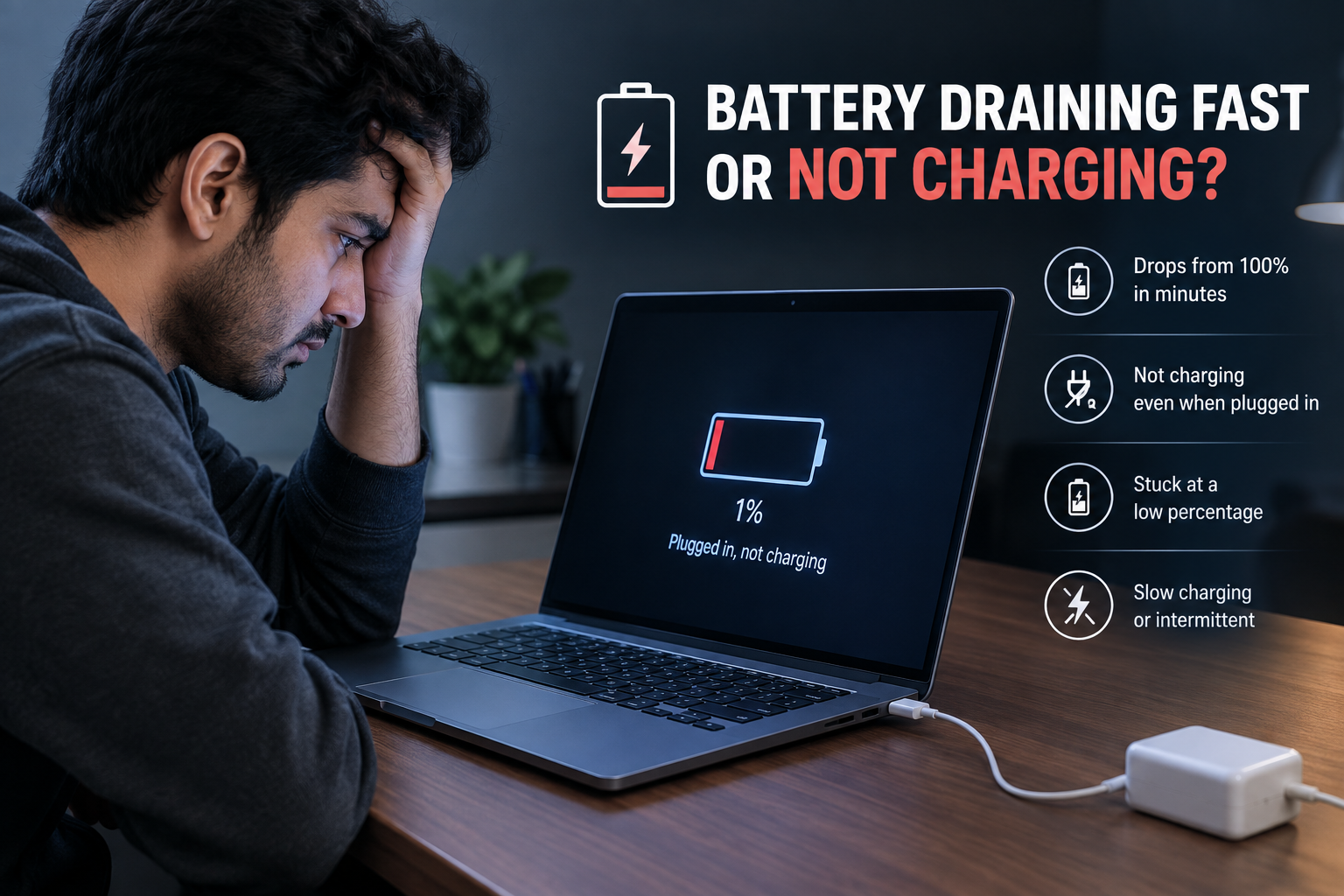
Quick diagnostic takeaway. Battery chemistry degrades with charge cycles. Once the cells lose capacity, the laptop can appear to run normally on AC power while draining fast off the charger. In other cases, a damaged DC jack or USB-C port creates an intermittent charge path, so the laptop only charges at a specific angle or only when the cable is seated perfectly. Background apps and power settings can make the issue worse, but they do not replace a failing battery or a worn port. The visible symptom is a clue, not the component verdict.
01How It Happens
Battery chemistry degrades with charge cycles. Once the cells lose capacity, the laptop can appear to run normally on AC power while draining fast off the charger. In other cases, a damaged DC jack or USB-C port creates an intermittent charge path, so the laptop only charges at a specific angle or only when the cable is seated perfectly. Background apps and power settings can make the issue worse, but they do not replace a failing battery or a worn port.
WarningDo not keep testing a machine that is already shutting down. Repeated thermal or power events can turn a recoverable fault into board damage.
02Symptoms to Watch For
Battery percentage drops quickly even with light work. Laptop shuts down abruptly even though it shows charge remaining. Charge only works when the cable is held or moved at a specific angle. Battery appears swollen or the chassis near the base feels uneven.
- Battery percentage drops quickly even with light work
- Laptop shuts down abruptly even though it shows charge remaining
- Charge only works when the cable is held or moved at a specific angle
- Battery appears swollen or the chassis near the base feels uneven
03Resolution: The Fix
Separate cell wear from the charge path
We measure remaining capacity versus a loose DC jack / USB-C port. A calibration app will not restore worn cells or a worn connector.
OEM battery replacement when the pack is spent
Matched chemistry and Wh rating (100% OEM / equivalent specified pack), not a random cell. Swelling is treated as a replace-now fault.
Repair the port if charge is angle-dependent
If the brick only works at one angle, the jack or Type-C receptacle is the fault. Connector-level repair restores a stable path into the pack.
Confirm charge and runtime
After fitment we verify the machine charges off a known-good adapter and holds a sane discharge curve on the bench.
Bench tipA proper diagnosis follows the signal path before replacing a part. That is how we avoid charger roulette and unnecessary motherboard swaps.
04How to Stop It Happening Again
Do not leave the machine plugged in all day at 100% if it is not needed. Keep the cable from being yanked repeatedly, and avoid charging through damaged ports. An aged battery should be replaced before it causes deep discharge cycles or sudden shutdowns.
Diagnostic noteKeep the symptom history, model number, and any recent event ready. Those three details shorten bench time considerably.
Was this guide helpful?
Continue the investigation